
Reminders that reach you
A reminder app that actually calls you.
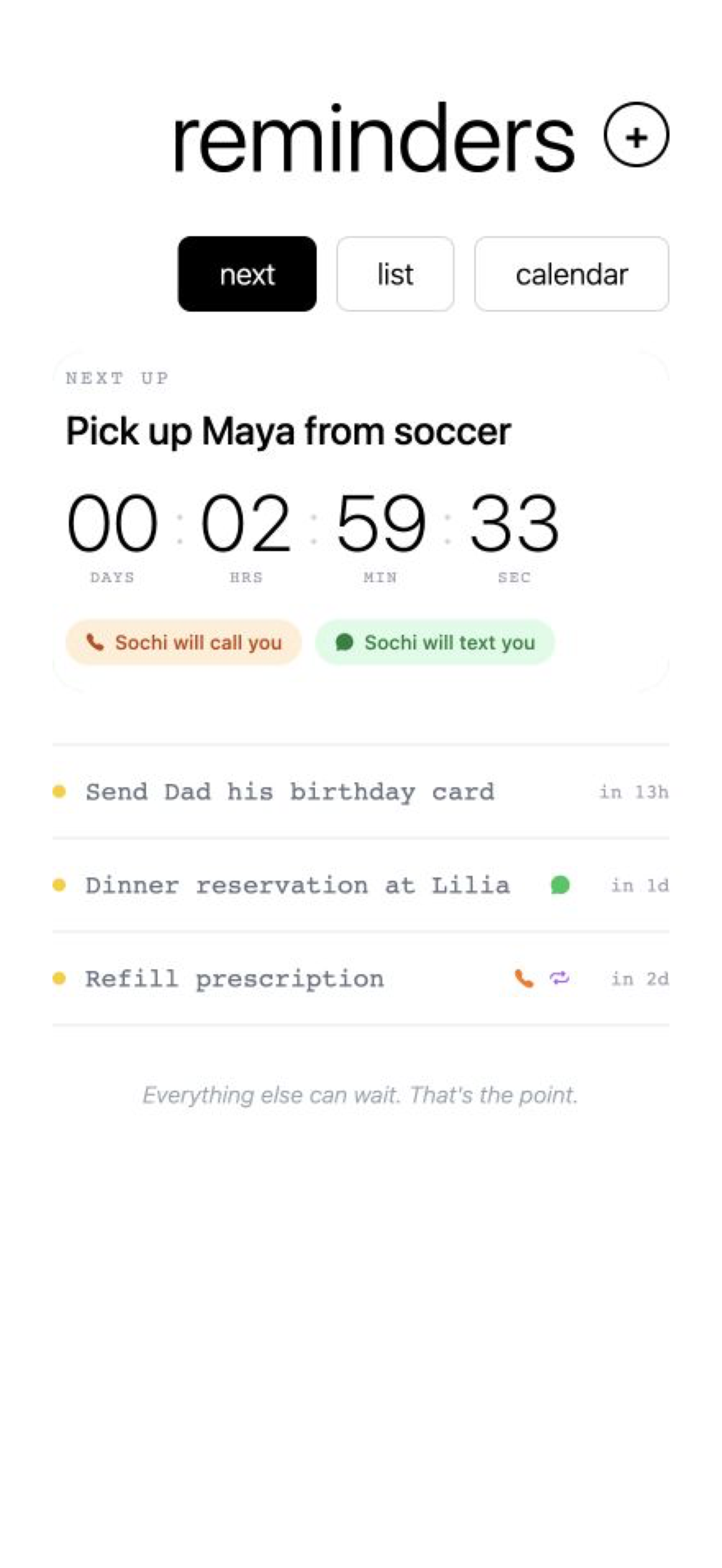
When another iPhone notification would disappear into the noise, Sochima can ring your phone like a friend calling to remind you. Just text Sochi what you need to remember.
Choose an automated phone call, SMS, email, or all three for reminders that are harder to miss. And you don’t have to remember alone: invite the people you trust, set reminders for them, and they can set reminders for you.
3-day free trial. Cancel anytime.
No app needed — just text
How it works
Say it the way you’d say it to a person.
No forms to fill out and no date pickers to wrestle with. A normal sentence is enough.
- 01
Text it
Send a message with what you need to remember and when.
- 02
We schedule it
Sochi reads the details and confirms the reminder.
- 03
You hear about it
Get notified through the channels you’ve chosen.
Pick your signal
Push notifications are passive. Important reminders can call.
If you dismiss alerts on autopilot or your lock screen is already crowded, another banner may not be enough. Use a simple text for everyday tasks, add email for context, or turn on a phone call for the things you really do not want to miss.
Text
A clear SMS reminder, right where the request started.
A copy in your inbox when you need more context.
Phone call
For the reminders that should be harder to ignore.
Trusted connections
Remembering works better when someone has your back.
Invite a family member or friend without sharing a login. Once they confirm their email and phone, you can add reminders directly to their schedule — and with a mutual connection, they can add reminders to yours too.
They stay in control: every shared reminder shows who added it, and either person can remove the connection at any time.
Help them remember
You create reminders for your verified connection. Your subscription sponsors them, so they don’t need their own paid plan to receive reminders.
Remember for each other
Request mutual access. After they approve it, either of you can add reminders to the other person’s schedule.
Useful for Tuesday. Ready for six months from now.
One-time and recurring reminders live in the same place, so the small routines and the big deadlines don’t drift apart.
Tomorrow
“Remind me to call the pharmacy tomorrow at 9.”
Every week
“Every Thursday at 7, remind me to take the bins out.”
Months away
“Remind me to renew my passport in six months.”
A reminder plan for every kind of busy brain
Every plan lets you create reminders in plain English by texting the Sochi number. Standard adds one-way reminders for a verified connection, while Premium makes that support mutual. Start with a 3-day free trial.
Base
A simple safety net for everyday remembering.
- Create up to 30 reminders by text each month
- Unlimited reminders from the web and mobile app
- Email, SMS, and voice call delivery
- Recurring reminders
Cancel anytime. No setup fees.
Standard
Stay on top of your life—and help someone you trust remember too.
- Create up to 150 reminders by text each month
- Unlimited reminders from the web and mobile app
- Email, SMS, and voice call delivery
- Choose from three Sochi voices
- Recurring reminders
- Priority support
- Invite people and create reminders for them
Cancel anytime. No setup fees.
Premium
Two-way reminder support for you and your trusted connections.
- Create up to 500 reminders by text each month
- Unlimited reminders from the web and mobile app
- Email, SMS, and voice call delivery
- Three Sochi voices for you and your connections
- Recurring reminders
- Priority support
- Early access to new reminder features
- Mutual reminders with your connections
Cancel anytime. No setup fees.
Make a note. Then move on.
Tell us once. We’ll take it from there.
Start with one reminder and choose how you want to receive it. Every plan begins with a three-day free trial, and your reminders can reach you by phone call, text, or email from day one.