
Reminder app guides that answer the question first.
Practical, scannable articles about why reminders fail, how to design better reminder systems, and when SMS, email, or voice alerts beat ordinary app notifications.
Featured guide
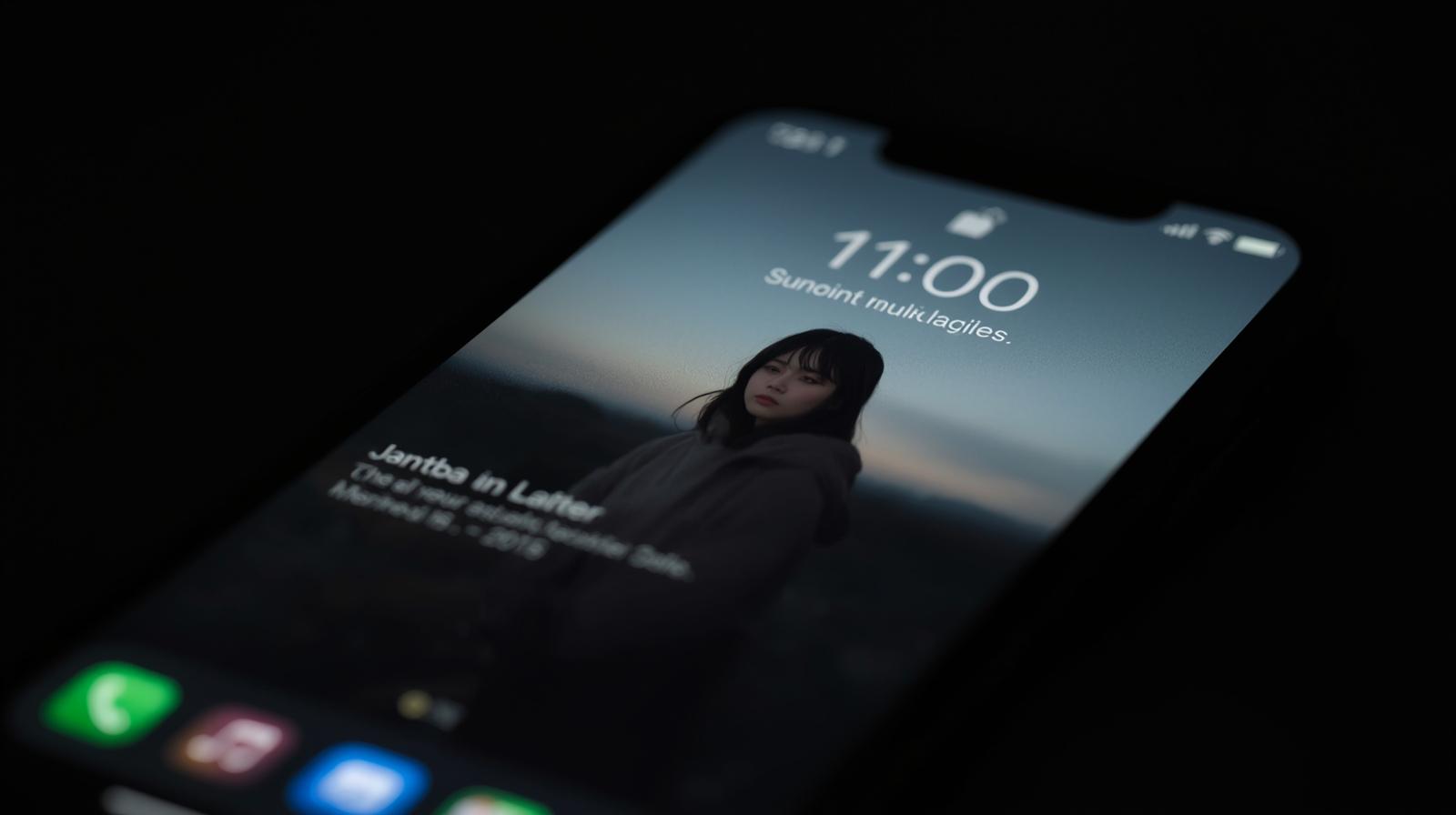
iPhone Reminders Not Working? Fix Alerts or Use a Call
If an iPhone reminder did not alert you, first confirm that it has both a date and time, then check Reminders notification permissions, alert sounds, Focus modes, Scheduled Summary, Apple Watch delivery, and location access. If the alert arrives but is still too easy to miss, use an urgent reminder alarm on supported iOS versions or add a separate channel such as an automated phone call, SMS, or email.
Latest articles
Each guide includes a short answer, a clear outline, and a focused FAQ.
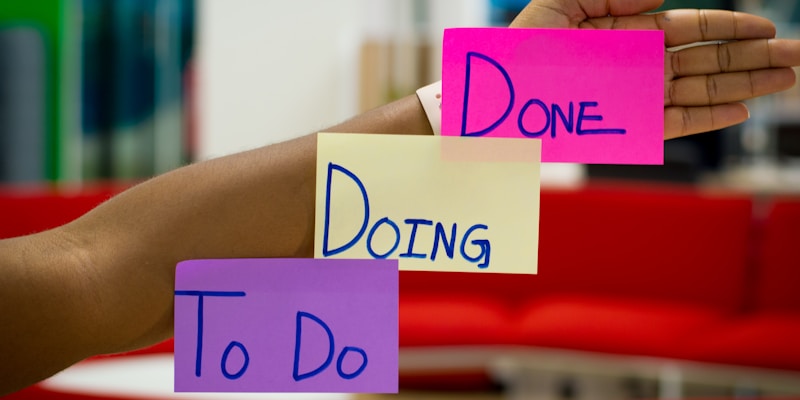
10 Productivity Tips That Actually Work for Remote Workers
The productivity tips that work best for remote workers are the ones that reduce context switching: set digital boundaries, batch similar work, use flexible time blocks, manage energy instead of only time, and turn important follow-ups into reminders you cannot easily miss.

Why Reminders Fail and How to Make Yours Actually Work
Reminders usually fail because they are vague, mistimed, easy to dismiss, or disconnected from the real-world context where action happens. The fix is to write reminders as specific next actions, choose the right notification channel, and build in a recovery plan for when you miss the first alert.